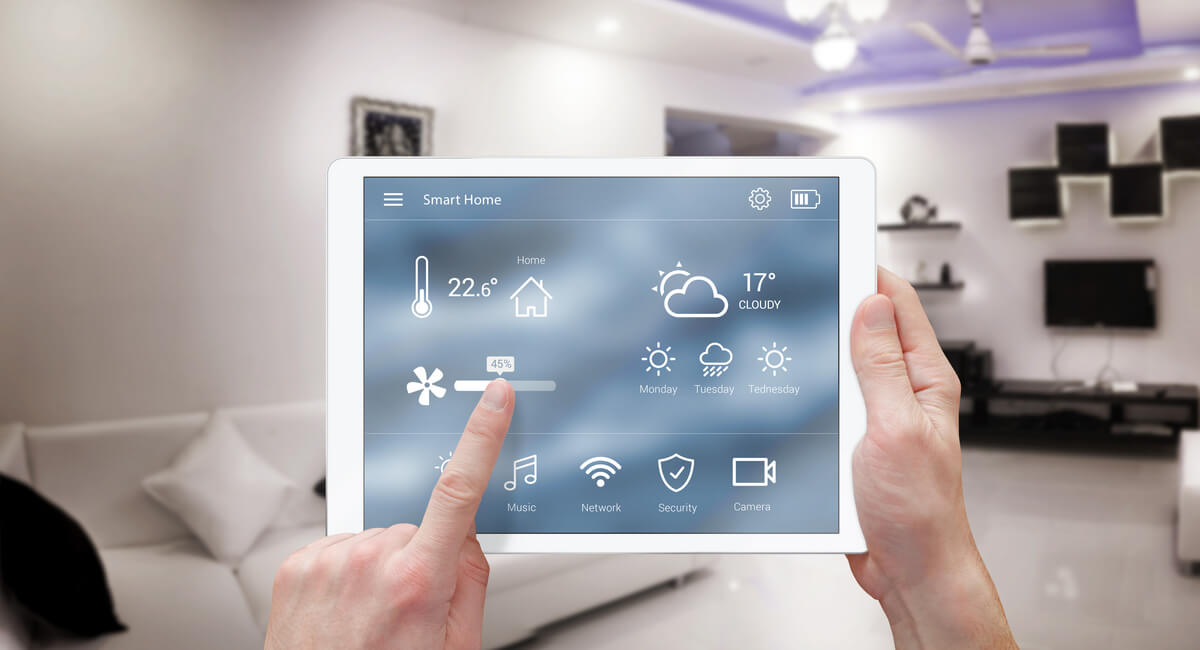
Smart home devices have come a long way in recent years. Today, you can automate practically any device or appliance in your home. If you’re new to smart home automation, the options may seem overwhelming. Fortunately, most smart home systems are fairly user-friendly and easy to navigate once you get some experience.
Before purchasing any devices, it’s important to understand what smart home automation is, how it works, and how you can optimize it for your living space. Here’s everything you need to know about smart home devices:
What Is Smart Home Automation?
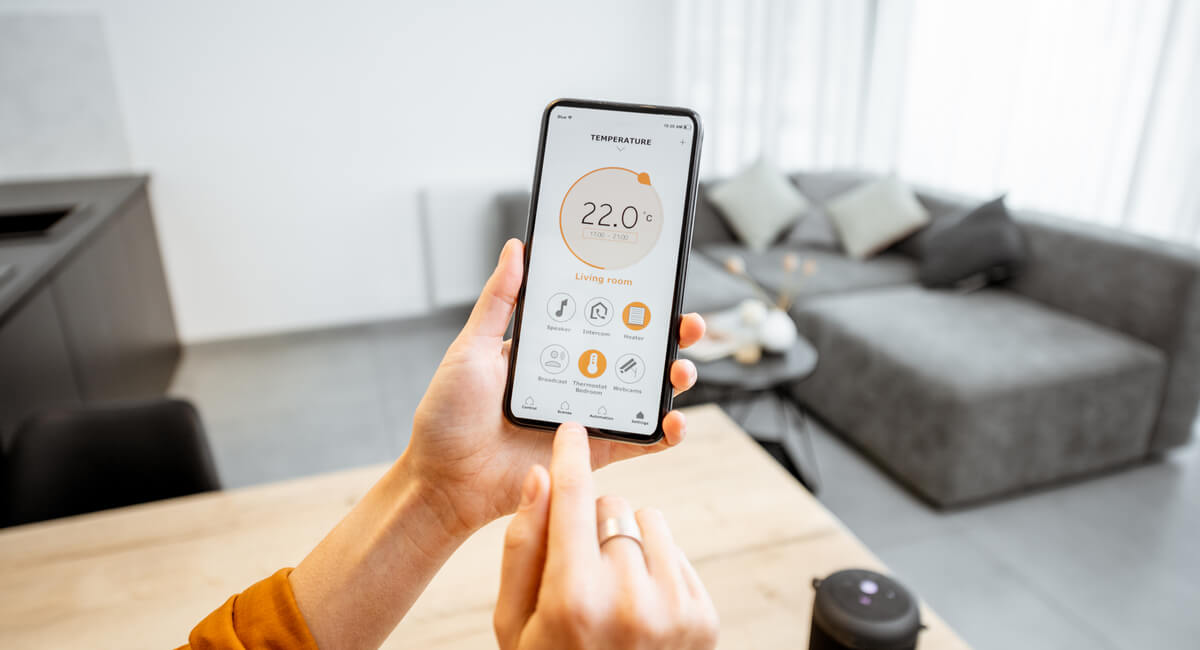
A smart home is a system that connects several smart devices to a central network. You can control these devices through voice commands, a phone app, or a web browser. Thanks to today’s technology, a wide range of devices can be incorporated into a smart home. You could install a smart thermostat, garage door, lights, security system, home entertainment system, and many other options.
Smart home automation offers several benefits for homeowners. You can conveniently control many aspects of your home from just one device. Most devices allow for remote programming, too, so you can even adjust the settings while away from home. Smart home systems offer timers and schedules as well. This allows you to pre-program adjustments to various home settings based on the day or time. For instance, you could program a smart thermostat to keep your bedroom warmer during the day and cooler at night.
Having just one smart device can make your home feel more comfortable and luxurious.
Creating a Plan
Because there are so many different smart home systems and devices on the market, it’s important to start by creating a clear plan for your smart home. This will ensure that you only purchase devices that are compatible with one another, and it will help you set up your smart home in the most intuitive and convenient way.
First, consider your priorities for your smart home. Ask yourself which devices will improve your life the most or which devices you’d get the most use out of. Some homeowners prioritize their security system, while others focus on climate control with a smart thermostat. Setting up a smart home can get expensive, so you may want to start with just one or two of the most important devices to you. Then, you can expand your system over time.
Next, it’s time to choose which ecosystem you’ll use. The ecosystem is the brand, such as Google, Apple, or Amazon. The best ecosystem for your smart home may depend on which devices you already use. Loyal iPhone users may opt for an Apple smart home ecosystem. Alternatively, if you already have an Amazon Echo, you might decide to expand on that system by purchasing other Amazon devices.
It is often possible to connect devices from different brands. However, sticking to the same brand for all of your smart home devices will be the simplest and most streamlined course of action. All brands have their own strengths and weaknesses, so you should research your options carefully and read user reviews to decide which one best suits your needs.
Choosing a Smart Home Hub
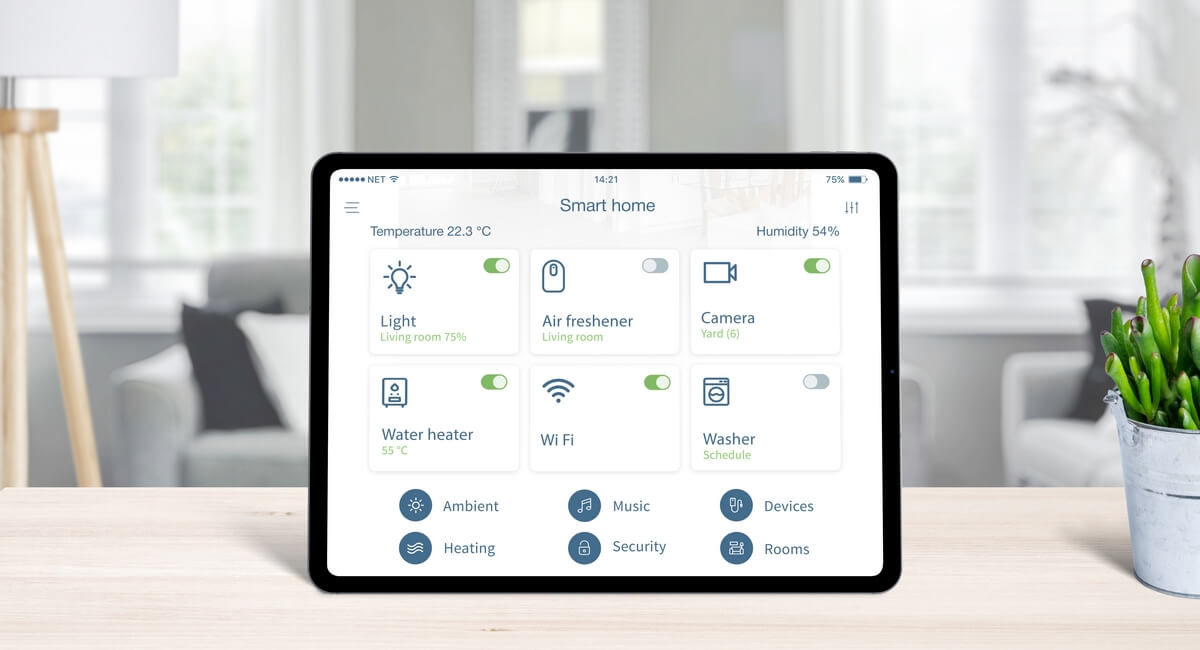
A hub is a device that connects all of your smart home items. It typically pairs with an app that allows you to control each individual device. Through the hub, you can also set automation rules. For instance, you could schedule your security system to turn on or off at certain times.
In some cases, a hub is not necessary for smart home automation. Many devices can communicate directly with their own apps, so you can access each app to control the various devices in your home. Not all devices communicate over Wi-Fi or Bluetooth, though. In this case, the hub acts as a translator between your phone and the device. A hub also makes your smart home system much more convenient if you have several devices because it allows you to control everything through one app instead of managing each individual device separately.
Installing the Devices
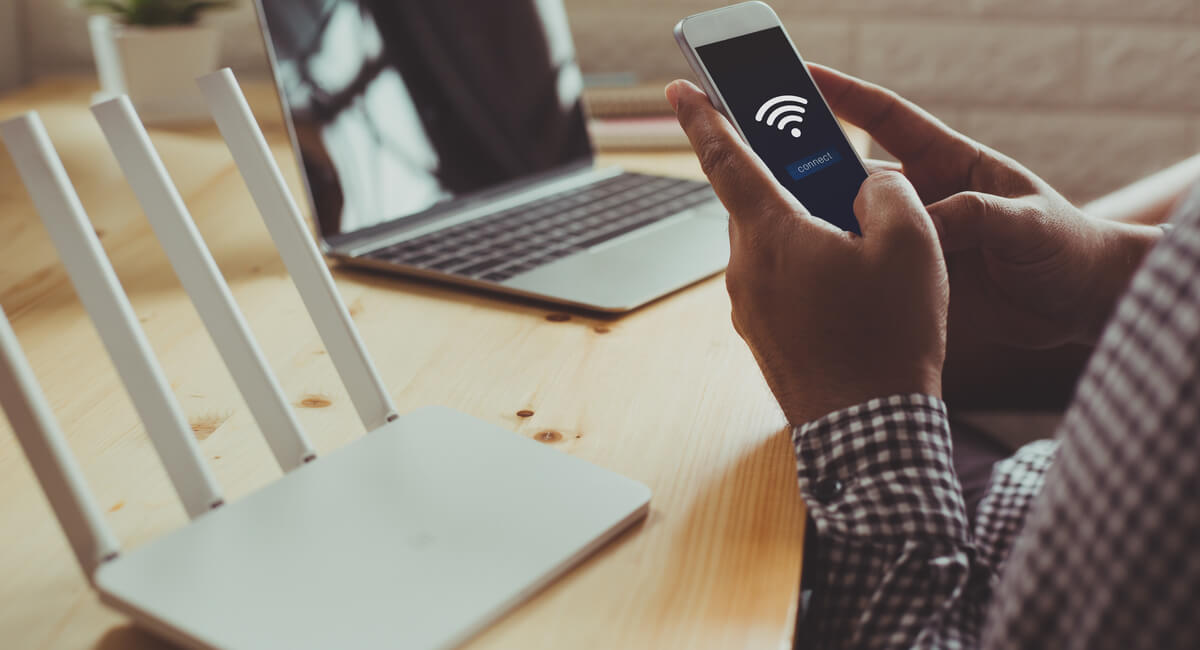
Many smart devices communicate through Wi-Fi, so you should make sure to have a good Wi-Fi signal throughout your home. If you have a larger home with inconsistent Wi-Fi, you consider installing a mesh network, which offers multiple points of connectivity so that every corner of the home has a strong signal.
You can start the installation process by downloading the smart device apps as well as the app for your smart home hub. Follow the manufacturer’s instructions and the app’s instructions to install and connect each device. If you’re not sure how to set up a device, YouTube can be a helpful resource.
Instead of purchasing all new devices, you might be able to turn some traditional devices into smart devices with the use of a smart plug. A smart plug is a moveable outlet that connects to your smart home hub. All you have to do is insert the plug into the outlet, install the corresponding app, and follow the directions on the app to connect the plug to your Wi-Fi. Then, you can plug the item into the smart plug as if it’s a normal outlet. This works for lamps, fans, coffee makers, and many other devices that you may want to turn on or off remotely.
Controlling Your Smart Home Devices
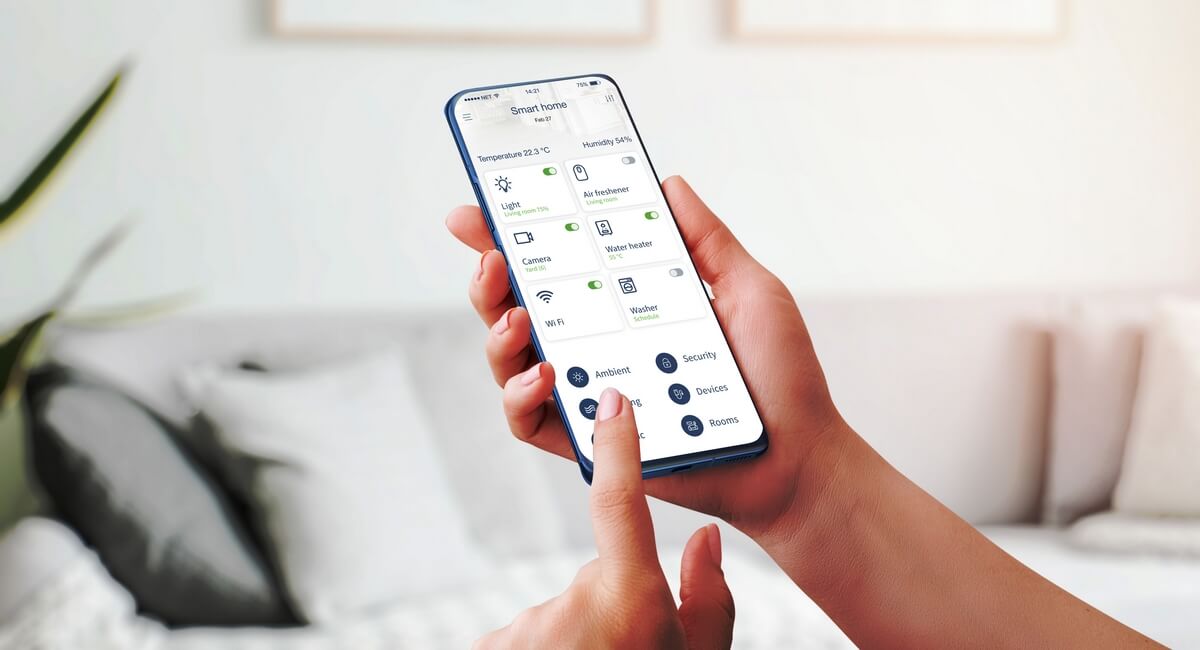
Once it’s installed, you have several options for controlling your smart home system. Devices can be controlled by their companion apps or by the hub app. If a device doesn’t connect to Wi-Fi or Bluetooth, you’ll most likely need the hub app to control it. In general, the smart hub is ideal because it allows you to control all of your devices through a single app.
Voice control is another easy and popular option. Smart speakers, such as the Google Nest or Amazon Echo, can function as hubs and allow voice controls. If your smart home devices are compatible with your smart speaker, you can connect the devices through the speaker’s app. Then, you can give the speaker voice commands to control the various devices in your home.
You could also use a smart display to program and control your smart home. A smart display is a touchscreen device you can mount on the wall or set on a table or countertop. You can use the display to control your smart devices the same way you would use your phone. Additionally, smart displays can receive voice commands. Some may receive video feeds from security cameras or doorbells, too, which is great for homeowners who are concerned about security.
Smart home automation is a rapidly advancing field, and now is a great time for homeowners to get started. There are so many different devices available that make your home more comfortable and convenient. Start by choosing one or two devices that would make the biggest difference in your home. Then, as you become more familiar with the technology, you can continue to expand your smart home system.